
Food Scraps Request is completed by donating Apples and Critter Meat at the Deed Board, not by cooking or placing food. If the required raw materials are present and the board still will not accept the turn-in, the evidence includes a current player report of the same failure. There is no verified universal workaround in the available documentation, so protect the save, verify the state methodically, and document the bug instead of destroying items or editing the save.
The quest record identifies this as a repeatable Deed in Earlwood Farmlands part I and marks it as shared with the party. Its objective says “Donate Apples and Critter Meat at the Deed Board.” That wording defines the checks: correct raw item types, correct interaction point, active Deed state, and the world or party state that owns the request.
Dimraeth Food Scraps Request safe checks
- Read the active objective and confirm it still names Apples and Critter Meat.
- Keep the raw items in your character inventory for the first test.
- Do not substitute Apple Juice, Cooked Critter or another prepared food.
- Interact with the Deed Board that issued or displays the request.
- Open the active request and use its donation or completion action.
- Confirm that the current world and party state match where the Deed was accepted.
- If the interaction fails, leave the items untouched, save safely and capture the visible state.
These steps do not claim to repair the reported bug. They eliminate the most likely state mismatches without risking progress and produce a useful report if the quest remains blocked.
The exact request state
The quest record gives the following facts:
| Field | Recorded value |
|---|---|
| Content type | Deed |
| Area | Earlwood Farmlands part I |
| Repeat state | Repeatable |
| Party state | Shared with the party |
| Objective | Donate Apples and Critter Meat at the Deed Board |
| Base reward shown | XP, Gold, Apple Juice and Cooked Critter |
The record also lists base reward amounts and level-specific entries, but this page does not use those numbers as a troubleshooting dependency. Reward values can change, and receiving a particular reward is not a prerequisite for making the donation. The important distinction is between input items and reward items.
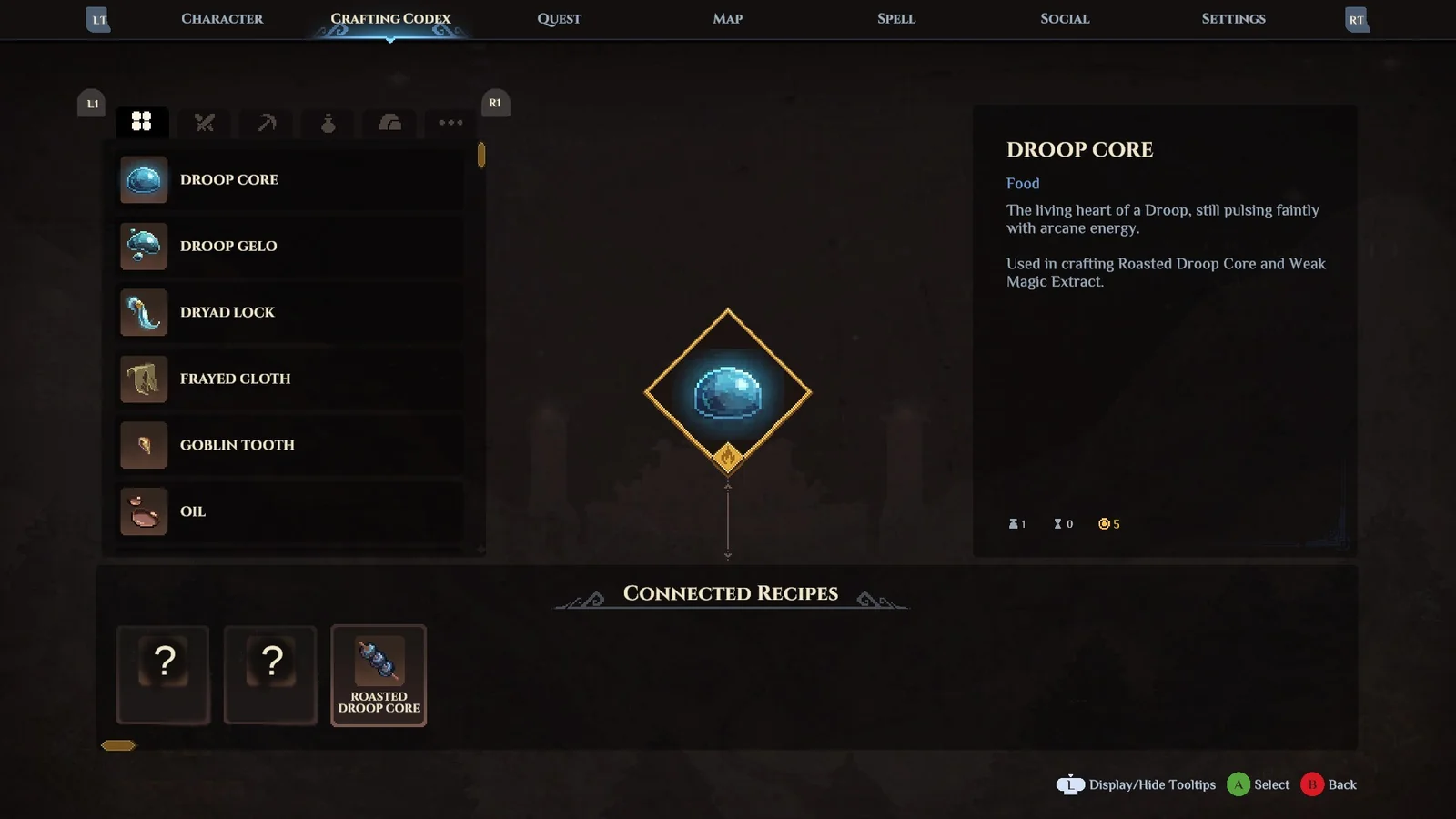
The crafting interface helps distinguish raw materials from prepared food. The Food Scraps donation itself belongs at the Deed Board.
Raw items and cooked items are different
The request asks for Apples and Critter Meat. The recorded rewards include Apple Juice and Cooked Critter, which are processed items. A crafting reference separately shows that Cooked Critter uses Critter Meat. That relationship can cause a simple but expensive mistake: cooking the meat changes the item into something other than the requested donation.
For the cleanest test, place raw Apples and raw Critter Meat in the ordinary character inventory. Keep cooked food, juice and unrelated meat in storage or separate stacks so the comparison is obvious. Then reopen the Deed entry and read its counts. If the objective count does not recognise the raw items, take a screenshot before moving them again.
Do not craft more of the reward food hoping it will satisfy the input. Do not consume or discard the last raw stack while troubleshooting. The evidence does not establish that item quality, freshness or a particular storage chest should alter this request, so avoid inventing additional requirements.
The Deed Board interaction
The objective names the Deed Board explicitly. Merely carrying the ingredients may not complete the step, and giving food to an NPC is not the recorded action. Return to the board, locate Food Scraps Request and inspect the active entry rather than assuming an automatic turn-in.
Pay attention to the state shown by the board. An available repeat, an accepted request, a completed objective and a reward ready to claim are different states. If two copies or levels appear, verify which one is in the quest log. Do not abandon and retake immediately; first preserve the evidence of the stuck state.
The Dimraeth boss replay guide explains the broader Deed and bounty distinction. Food Scraps Request is a donation Deed, not a boss replay, but the same principle applies: the board entry controls the repeatable activity.
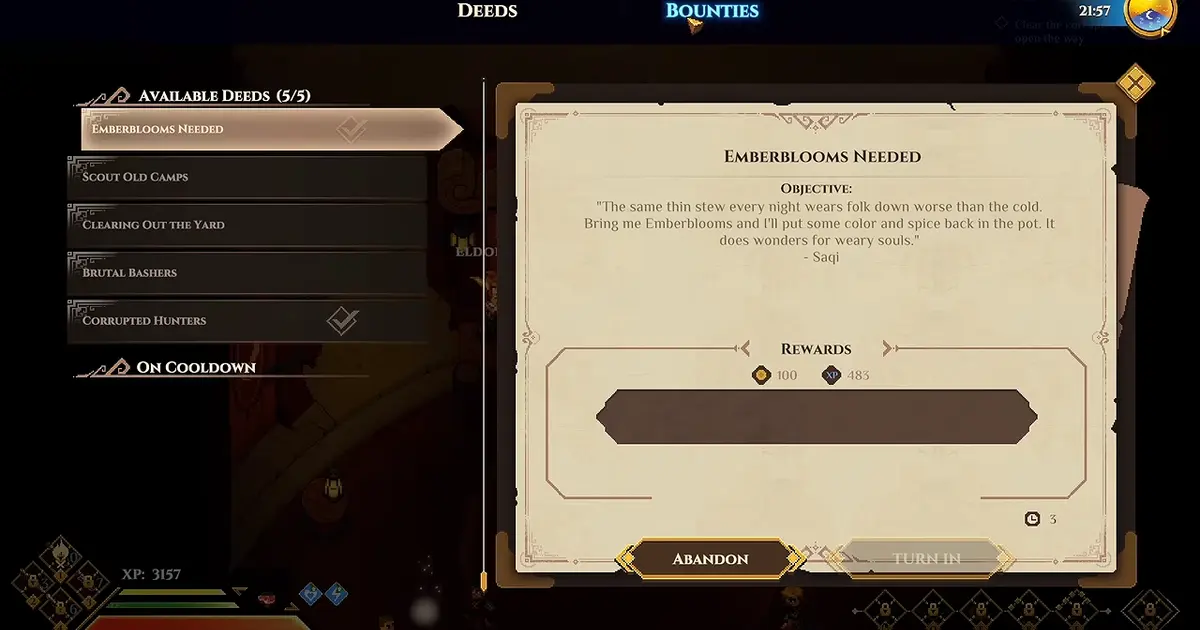
The board interface is the correct place to distinguish an available, active or completed donation request.
Inventory, storage and recognition checks
Start with the smallest reversible change. Move the requested raw stacks from a chest into the character inventory, close the storage interface, and reopen the board. The available documentation does not prove that the board can or cannot pull from every storage configuration. Keeping the items on the character removes that uncertainty for the test.
Check item names letter for letter. “Critter Meat” is the objective item shown in the quest. Beast Meat, Cooked Critter and another food are not equivalent merely because they belong to cooking. An Apple is not Apple Juice. If the current objective names something different after an update, follow the live text and note the change.
Avoid splitting and recombining stacks repeatedly once the correct items are visible. There is no verified stack-manipulation fix here. Excessive item movement makes it harder to reconstruct the state and creates opportunities to consume, cook or store the wrong stack.
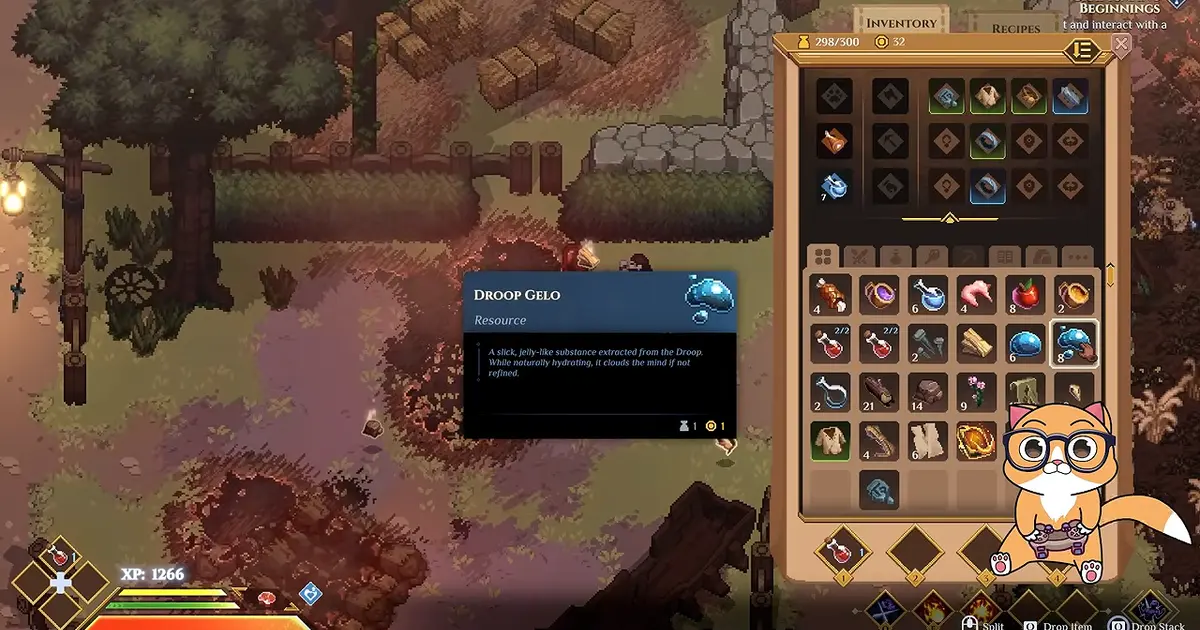
Keep the required raw stacks visible in the character inventory during the clean recognition test.
Party-shared state
The quest record marks Food Scraps Request as shared with the party. That makes party and host state relevant when the objective behaves unexpectedly, but the evidence does not document the exact ownership rules for donation credit.
Record who accepted the Deed, whose world is active, who holds the materials and which player is interacting with the board. If the request works in a solo world but not in a party, that difference is useful evidence. If it fails in both, the problem is less likely to be only a party handoff.
Do not repeatedly transfer the materials among players without keeping track. A controlled comparison is better:
- Save the current party state.
- Capture the active objective and ingredient counts.
- Let the host interact once with the raw items visible.
- If safe, repeat in a solo session with the same character and world state.
- Record whether the board entry or counts changed.
This is diagnosis, not a promise that leaving the party repairs the request.
World ownership and repeatable Deeds
Dimraeth separates character progression from parts of world progression. A player can bring a character into another world while buildings, recruited NPCs and story state remain with the world. The supplied Food Scraps record does not say exactly where this Deed's completion flag lives, so the host world must be part of the report.
If the request was accepted while visiting another player, return to the same world before assuming the board is broken. If the board at home shows a different copy or level, treat it as a different state until the interface proves otherwise. Do not use materials on every visible copy in an attempt to force synchronisation.
When filing the issue, include whether the world was private, hosted by you or joined from another player. That information helps distinguish an objective-recognition failure from a world-state mismatch.
The reported Early Access bug
A current Reddit bug report states that the Food Scraps quest could not be turned in even with the required materials. The report contains no confirmed developer response or repair steps. It proves that at least one player observed the symptom; it does not prove the cause or that every failed turn-in has the same cause.
The Steam community feed also contains patch text saying some quests that were not finishable were fixed. That wording is broad and does not name Food Scraps Request in the available excerpt. Do not claim that a specific patch fixed this Deed unless the release note identifies it or the current build can be verified directly.
Because the game is in Early Access, update state belongs in the bug report. Record the version or build information visible in the client and the date of the attempt. “Current version” becomes ambiguous as soon as another patch ships.
Safe reload sequence
When the board recognises neither the correct items nor the active objective, use a conservative reload sequence:
- Exit every inventory and board panel.
- Make sure no item transfer or crafting action is still in progress.
- Let the game save through its normal safe flow.
- Return to the menu rather than forcing the process closed during a write.
- Reload the same world and character.
- Recheck the raw items and active Deed before changing anything else.
Available records do not confirm that reloading resolves the bug. This sequence is intended to refresh the session without risky save manipulation. Never represent it as guaranteed.
Actions to avoid
Do not use a cheat client, memory editor or downloaded save tool to change the quest flag. unrelated online pages around Dimraeth include unrelated and unsafe cheat material, but no verified Food Scraps fix. Editing inventory quantities or completion flags can create a state that neither the board nor later patches expect.
Do not cook all remaining Critter Meat. Do not convert Apples into juice. Do not abandon the Deed before capturing its level, objective counts and world state. Do not repeatedly spam the completion control; one recorded attempt with the correct materials is enough to show the symptom.
Do not follow fixes written for unrelated food quests in other games. A mechanic from another title cannot establish how Dimraeth's Deed Board handles this request.
A useful bug report
Record the installed build number before reproducing the failure.
A good report lets another person reproduce the failure. Include:
- game version or build shown on the client;
- character and world used;
- host, solo or guest state;
- whether Food Scraps Request is active, completed or ready to claim;
- the Deed level shown;
- exact counts of raw Apples and Critter Meat;
- where those items are stored;
- the board used and the action selected;
- what changed, or failed to change, after interaction;
- screenshots of the objective, inventory and board entry.
If possible, attach a short recording from before opening the board through the failed interaction. Do not expose account credentials, invitation codes or private player information.
Progress while the request remains stuck
The evidence does not say that Food Scraps Request is required for every main-story step. Because it is recorded as a repeatable tertiary Deed, avoid declaring the whole save permanently blocked without checking the actual quest log. Continue with independent activities only when the game allows them and preserve the materials needed for a later retry.
Use the Dimraeth walkthrough to separate main progression from optional or repeatable board work. For crafting-related confusion, the Dimraeth recipes guide separates raw ingredients, cooking and other stations.
Do not claim that ignoring the Deed fixes it. The point is to avoid destroying a playable world while a narrow repeatable activity is under investigation.
Food Scraps evidence checklist
The strongest supported conclusion is narrow: the request expects raw Apples and Critter Meat donated at the Deed Board, and at least one Early Access player reported that the turn-in failed even with required materials. No verified video demonstration documents a universal workaround.
Before reporting the same issue, confirm the raw items, board, active entry, party state and world. If all five match and the interaction still fails, mark the request as a probable Early Access bug in your current build. Preserve the state and provide the reproducible record a developer needs.
Keep one final before-and-after record. Photograph the inventory and board before the attempted donation, interact once, then photograph both again. That pair shows whether item counts changed, whether the objective advanced and whether a reward state appeared. It is stronger evidence than a description written after several retries, and it prevents a failed animation from being mistaken for a completed transaction.
Interpret that comparison before taking another action. Unchanged item counts and an unchanged objective show that the board did not accept the donation. Reduced counts with no objective change describe a more serious partial transaction and should be reported without repeating it. An advanced objective with an unchanged board label may be a display refresh problem rather than a failed request, so close and reopen the board before declaring the Deed stuck. Record the exact outcome instead of compressing all three states into “not completing.” The visible quest record and client state remain the useful diagnostic evidence; no verified video route is implied.