
If your Dimraeth character is missing, stop creating replacement characters or worlds and first establish what disappeared: the character entry, a particular world, or the character's visible position during play. The available official material does not document a guaranteed restore procedure for a disappeared character. Preserving the original state and identifying the correct failure gives you a better chance of finding an existing copy or obtaining useful developer help.
Steam lists Cloud support, but that listing does not establish that a recoverable older copy exists for your account. A September 25 fix prevents a newly created world from overwriting an existing world with the same name; it does not promise restoration of files already lost before the fix. Keep those limits in mind before replacing anything that may contain your last working state.
Separate the missing character from a missing world
Dimraeth's character and world progression are different. Your hero carries level, equipment, inventory, spells and personal progression between worlds. Story progress, recruited allies and buildings remain with the world. Seeing an unfamiliar settlement or an earlier story objective therefore does not automatically mean your character has been deleted.
| What is missing | What to check first | What the observation does not establish |
|---|---|---|
| A character entry you previously selected | Account, machine, character list and last successful session | That every world containing its progress was deleted |
| A world with your buildings or story progress | Which player hosted it and which world is now selected | That your portable character data has disappeared |
| Your character's visible position after a teleport | Whether the entry still exists and whether the game remains connected | That a save file was erased |
| Stored items from a particular settlement | Chest ownership, host world and current loading state | That the character itself is missing |
| Access to a multiplayer session | Installed build, host connection and whether the character still loads locally | That refusal to join is a recovery failure |
Write down the exact missing entry before taking action. A screenshot of the current list and the name of the last working character or world is more useful than the general description everything is gone. You may discover that the portable hero is intact while the intended host world is simply not the session you opened.
Reconstruct the last successful session
Start with a short timeline. Identify the last time you successfully selected the character, the machine used, the account used, and the world you entered. Then record the first time the entry appeared absent.
Note any update, account or device change, modification, or new-world creation between the last working session and the disappearance. If you played with friends, ask which person hosted the session and what world they loaded. Keep the answer separate from who owned the character. The host's buildings and story state belong to that world, while the guest's portable progression travels with the hero. Returning to a different host can change the environment without removing the character.
Record whether you exited normally or the game closed unexpectedly. Include any visible message exactly. A missing entry after a crash and an entry missing immediately after switching computers have different surrounding circumstances, even though neither observation alone proves the underlying fault.
Confirm the account and device before inspecting files
Check that the active Steam account is the one used for the previous session. Do not rely only on a familiar desktop shortcut or an account display name. If several people use the same computer, or you switch between devices, explicitly verify the account that launched the game.
Next, establish whether the missing entry was last visible on this machine or a different one. A character that still appears on another device provides a specific working state to preserve. It does not mean that opening both installations repeatedly will automatically repair the discrepancy.
When another device still has the character, avoid making new progression changes while you compare the two states. Record the build and the last successful session on each machine. Keep any known working local copy separate from the affected installation before making synchronization or replacement decisions.
Preserve character and world data separately
Before any attempted recovery, identify the files or existing backups that actually belong to Dimraeth on your machine. A universal save-folder path has not been verified here; avoid deleting or replacing guessed folders.
Preserve the relevant existing files without replacing them. Keep the copy outside the location that the game uses during a test. Note when the copy was made and whether it came from a working installation or the affected installation. A backup made after the disappearance may still help investigation, but it should not be described as a proven working restore point.
If you cannot identify the correct files, retain the current state and request guidance. An unexplained deletion or reinstall is not a reliable way to determine what was missing. The safer next step is a report containing the exact entry, build and session history rather than a speculative repair that removes the remaining evidence.
Understand the world-name overwrite fix
Release 0.107.7779, published on September 25, addresses a specific problem: creating a world with an existing name could overwrite that world. This is relevant when your missing progress is a world rather than an absent character entry.
First determine whether you created another world with the same name before noticing the loss. Record the date, the build used and whether the original world is still listed. If that sequence did not occur, do not assume the name-collision issue explains a different disappearance.
Update before creating any further worlds. The fix prevents the documented behavior in the patched version; it is not an official promise that the earlier world is automatically reconstructed. A patch can correct how future saves are handled without restoring files that were already overwritten.
If you have a confirmed working backup from before the name collision, preserve it separately and describe it when asking for help. Retain the affected files until a recovery method suitable for the actual copy and version is established.
Visibility failures and teleport black screens
A character that vanishes from the scene may still exist in the selection list. That distinction matters for Vanishing Strike and teleport reports. October 5's patch adds safeguards for teleport-to-nowhere behavior, while acknowledging that the problem had not been reproduced internally.
Check whether the game is still open and whether the HUD or other players remain visible. Record the exact ability or travel action that preceded the change. Vanishing Strike and traveling to Sanctum are not automatically the same trigger, even though both can be described casually as teleporting.
If your character remains selectable after a normal restart, do not label the event a deleted-character problem. Use the crashing and black-screen guide for the affected transition. It keeps process exits, host freezes and position failures separate from save restoration.
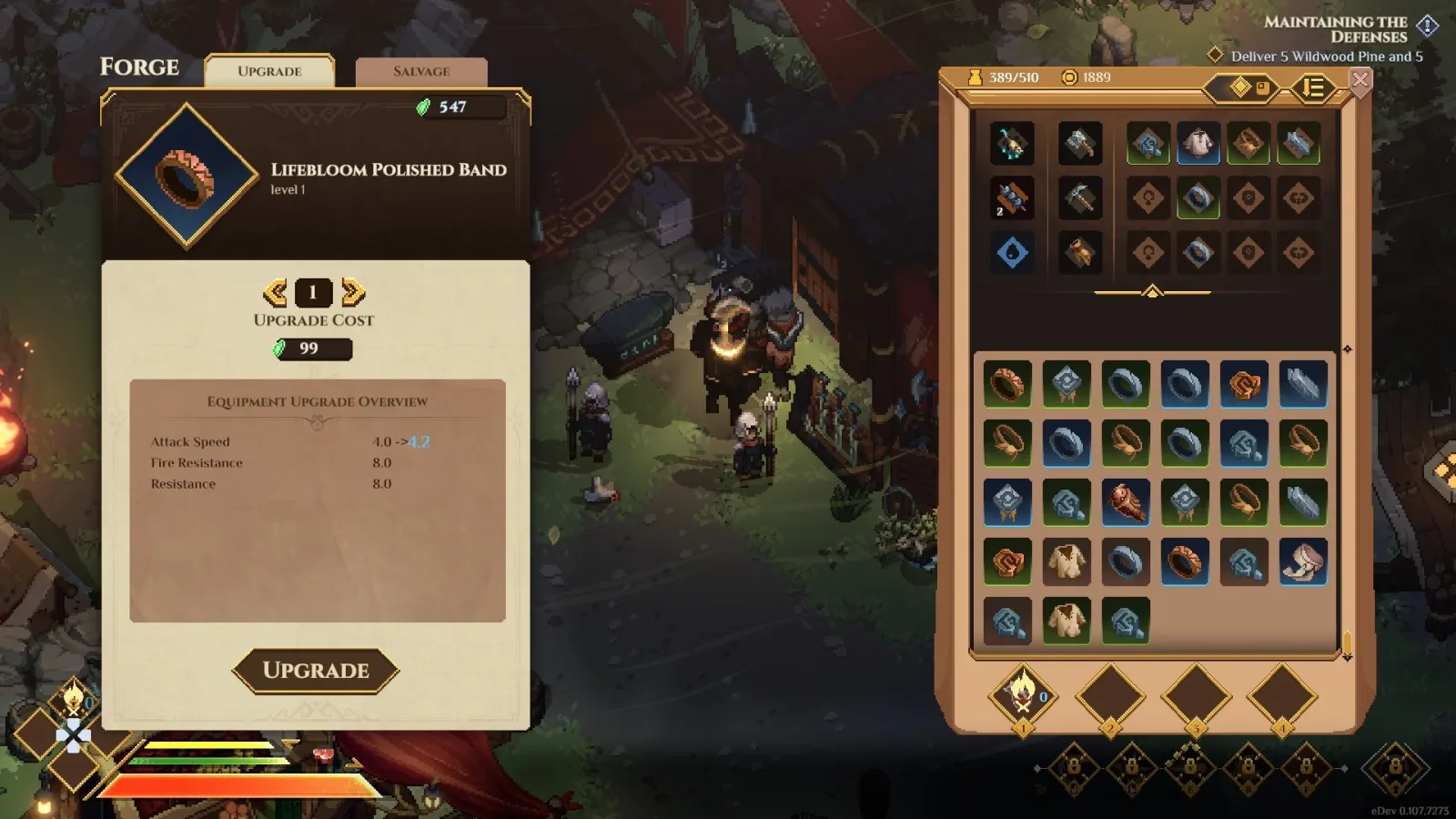
Interface reference showing equipment and inventory; this is not a recovered-save screenshot.
Multiplayer rejection and unofficial changes
A character that cannot join a multiplayer world is not necessarily missing. September 23's official notes say characters modified beyond the game's limits can be rejected from multiplayer worlds. The October 5 notes also describe invalid equipment-stat corrections.
If the entry still loads locally, record the difference between local availability and joining another host. Include any rejection message and the recent modification history. Do not assume a connection failure means that the game deleted the character or that a save restore is required.
Use the Mods compatibility guide for returning to a documented base-game state. Keep its installation and removal procedures separate from this page's recovery checks. Do not introduce another unofficial tool in an attempt to repair an entry whose current state is already uncertain.
Prepare a focused request for developer help
The official FAQ points bug reports to the game's Discord. A useful request explains what disappeared, what remains available, and what changed immediately before the event. It does not need an invented technical diagnosis.
Include the character or world name, installed build, last successful session, affected machine, and whether the session was solo or co-op. State whether you created a same-name world, changed devices, encountered a crash, or used a modification. Keep those details factual and chronological.
Attach screenshots of the current selection state and any relevant error. If another device still holds a working entry, mention that without exposing unrelated account information. If you preserved a local copy, state whether it predates the disappearance or was made afterwards.
The Discord and community guide covers the report destination. Keep the recovery request in one coherent thread so later findings, such as a working copy or a different host-world state, remain connected to the original symptom.
Verify a legitimate recovery without erasing the evidence
If you obtain a verified working copy or receive specific recovery instructions, retain the original affected files before following them. Check that the restored entry is the intended character, not a newly created hero sharing its name.
Confirm the properties that matter: the expected level, carried inventory, equipped items and relevant personal progression. Then identify the intended world separately and check its story state, recruited allies and buildings. The portable character and the world should be assessed as separate results.
Finally, exit normally and confirm that the entry remains available on the next launch. A successful load followed by another disappearance is different from a stable recovery. Record the build and the method that produced the result so you can report a recurrence accurately.
Do not continue cycling through additional unverified fixes after the relevant state has been recovered. Preserve the known working configuration, retain the earlier evidence, and resume progression only when the character and intended world are both accounted for.